
Quick answer: The best Facebook ad creative for service businesses is real: owner videos, before-and-after photos, testimonials and work in progress.
Product brands have it easy on Facebook: show the product, show it in use, done. A service business has to show something less tangible, like trust, expertise or a result. The good news is that the formats that work for services are cheap to make and usually work better without a polished production.
Why creative matters more than ever
Since Meta moved most campaigns to Advantage+ audience, your targeting settings are mostly suggestions. The system decides who sees your ad largely by looking at the ad itself and who responds to it. That means creative now does much of the targeting. A photo of a commercial fit-out will find different people from a photo of a family bathroom, even with identical settings.
So the goal isn’t one perfect ad. It’s a handful of clearly different ads, each speaking to one type of customer.
Seven formats that work for services
1. The owner talking to camera
A 20 to 45 second phone video of you or your lead tradesperson explaining one thing: how you quote, what makes a job go wrong, what to ask before hiring someone. It builds trust faster than any graphic. Film in natural light, hold the phone vertically, add captions (most people watch muted).
2. Before and after
Powerful for trades, cleaning, landscaping, renovation and design. Use the same angle and lighting for both shots. Note: before-and-after images of bodies are restricted for health, weight-loss and cosmetic topics. Keep it to the work, not the person.
3. The work in progress
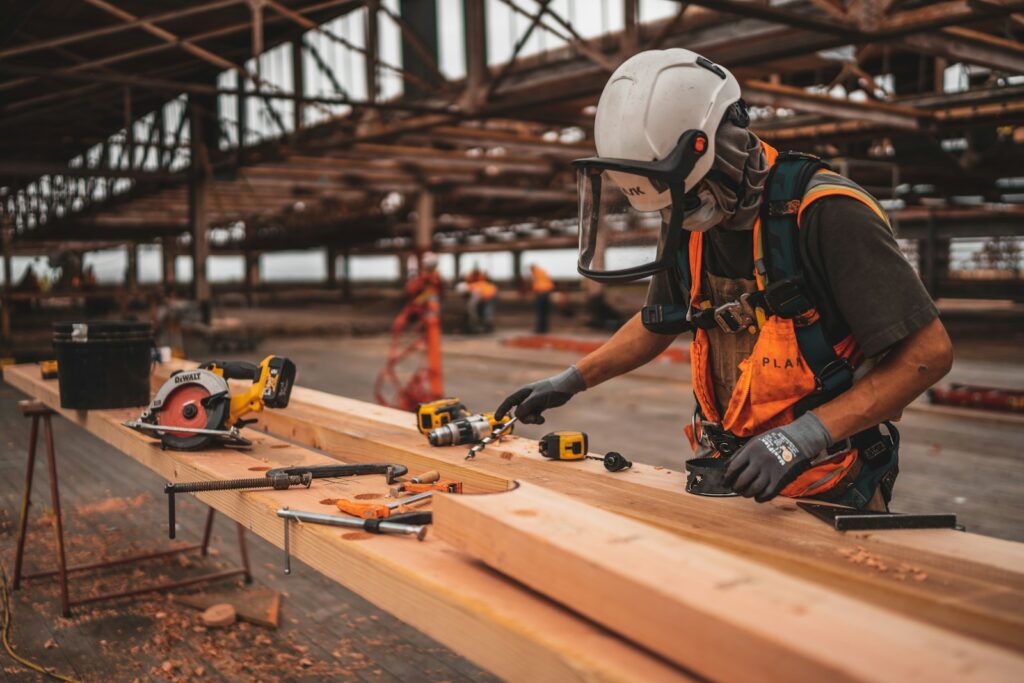
Short clips or photos of the job being done properly: the prep, the materials, the tidy site. This answers the hidden question “will they do a good job in my home?”
4. Customer testimonial
A real customer’s words, either as a short video or a quote over a photo of the finished job. Use first names and suburbs only with permission. Never invent or reword a review into something the customer didn’t say.
5. The explainer graphic
A simple image with three steps: “Send a photo → get a fixed quote → we book you in.” This works well for services where the process is the selling point.
6. The result or number
For professional services, a clear outcome works: “Cut cost per lead from $84 to $31” or “Tax returns lodged in 3 days”. Only use real, provable figures, and avoid implying the reader will get the same result. Meta rejects unrealistic or guaranteed outcomes. See why Facebook ads get rejected.
7. The FAQ answer
Take a question you get every week and answer it in an ad. “How much does a deck cost?” “Do I need council approval?” These attract people who are actively researching.
Sizes and specs to get right
- Use 4:5 vertical (1080×1350) for feed and 9:16 (1080×1920) for Stories and Reels. Square works but wastes screen space on mobile.
- Keep important text and faces away from the top and bottom 14% of 9:16 video, where profile names and buttons sit.
- Add captions to every video.
- Hook in the first two seconds. Start with the result, the problem or a face, not a logo.
Meta’s Ads Guide lists current specs for every placement.
What usually doesn’t work
- Stock photos of smiling people in hard hats or headsets. People recognise them instantly.
- Logo-first graphics with a list of services.
- Text-heavy flyers designed for print.
- One ad left running for months. Even good creative wears out. See Facebook ad fatigue.
A practical starting set
For a new campaign, aim for:
- One owner-to-camera video
- One before-and-after or finished-job photo
- One testimonial
- One process or FAQ graphic
Pair each with copy written for a different angle (see writing Facebook ad copy that converts), put them in one ad set, and let Meta show you which type of customer responds.
Sources and further reading
- Meta Ads Guide – image and video specs for every placement
- Meta Business Help Centre – creative best practices and Advantage+ creative
- Meta Advertising Standards – rules on before-and-after images and claims

Written by Gregory
20 years building websites and running lead generation, mostly with my own money on the line. Based in Sydney, working with clients worldwide. How I work →